Admin Portal
The admin portal provides server-wide user management and security configuration. It is accessible to Admin role users from the bottom section of the Showcase Editor sidebar: Users, Invites, SSO, Security, and Audit Log.
Users
The Users page lists every account on the server and lets administrators manage roles, status, and access.
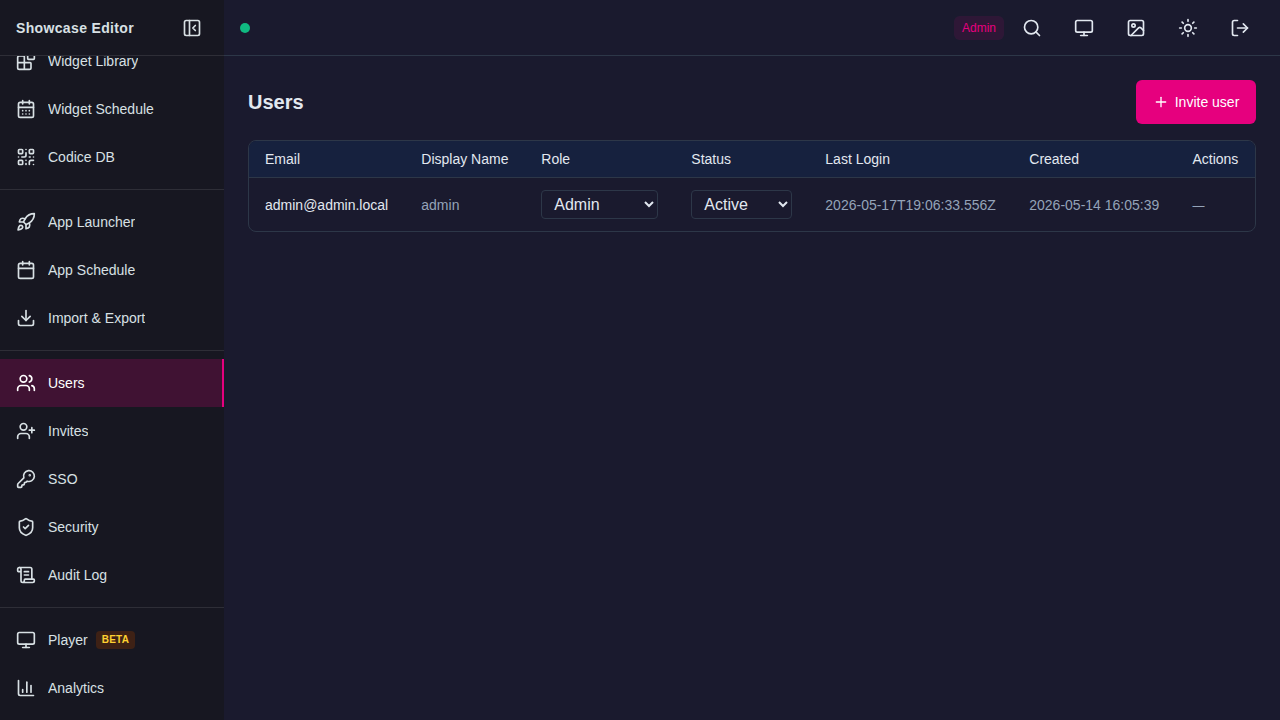
The table columns are:
| Column | Description |
|---|---|
| The user's login email address | |
| Display Name | The user's display name shown in the Editor |
| Role | Admin or Viewer — change via the dropdown |
| Status | Active, Disabled, or Locked — change via the dropdown |
| Last Login | Timestamp of the most recent successful sign-in |
| Created | Account creation date |
| Actions | Per-user actions (reset password, delete) |
Inviting users — click + Invite user (top right) to send an email invitation. See Invites for details.
Unlocking accounts — if a user is locked due to too many failed login attempts (see Security), change their Status to Active to unlock them.
Invites
The Invites page shows pending email invitations that have not yet been accepted.
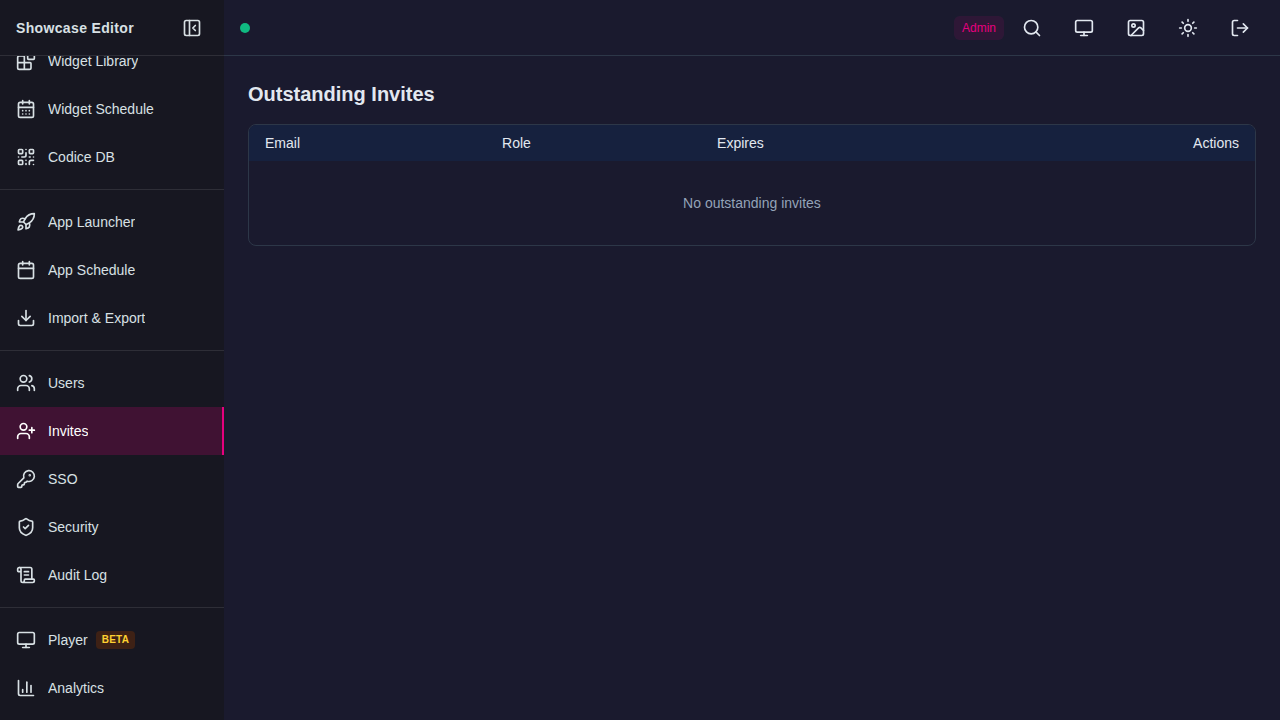
| Column | Description |
|---|---|
| The address the invitation was sent to | |
| Role | The role the invited user will receive on signup |
| Expires | Invite expiry timestamp |
| Actions | Revoke the invitation before it is accepted |
Invitations expire automatically. Revoke an invite to prevent the link from being used before it expires.
SSO
The SSO page manages Single Sign-On providers. Both OIDC and SAML providers are supported.
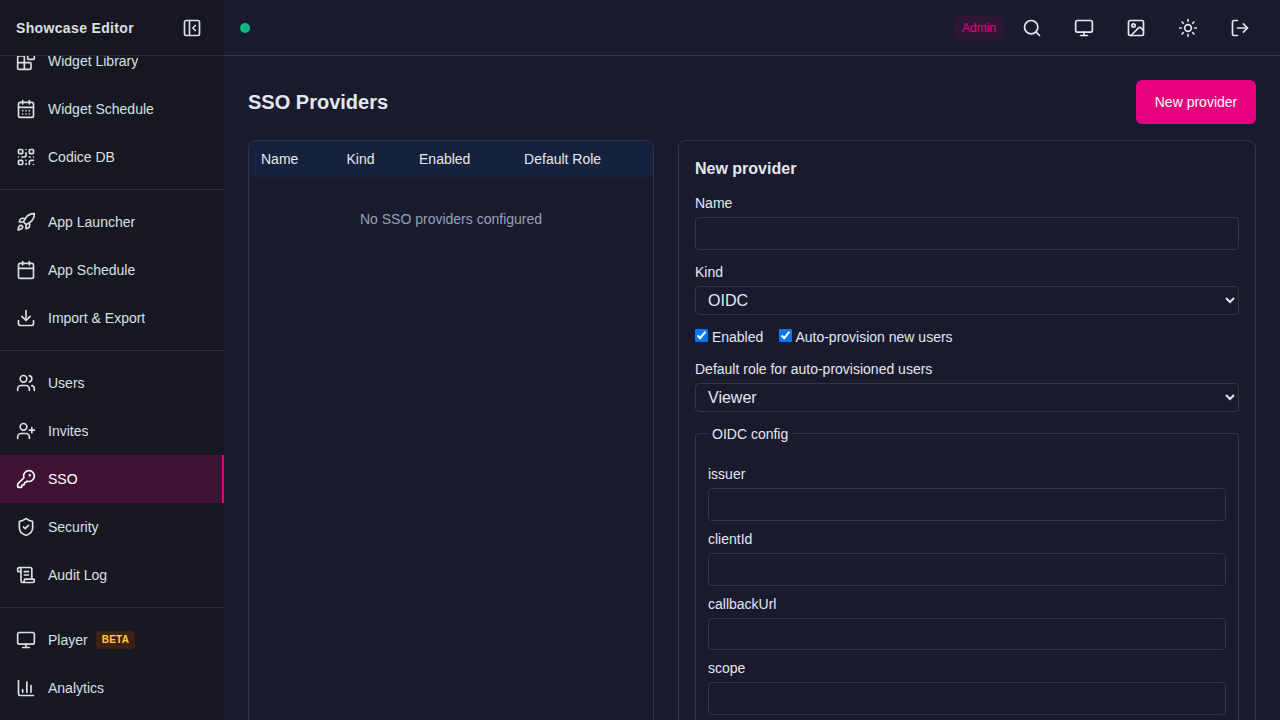
Click New provider to add a provider. The configuration form appears on the right:
| Field | Description |
|---|---|
| Name | Display name for this provider |
| Kind | OIDC or SAML |
| Enabled | Whether this provider is active on the login page |
| Auto-provision new users | Create accounts automatically on first SSO login |
| Default role | Role assigned to auto-provisioned users (Admin or Viewer) |
OIDC-specific fields:
| Field | Description |
|---|---|
| issuer | The OIDC provider's issuer URL (e.g. https://accounts.google.com) |
| clientId | OAuth 2.0 client ID |
| callbackUrl | Redirect URI registered with the provider |
| scope | OAuth scopes to request (e.g. openid email profile) |
SAML-specific fields are shown when Kind is set to SAML: Entity ID, SSO URL, certificate, and Attribute mappings.
Security
The Security settings page controls two-factor authentication and account lockout policy.
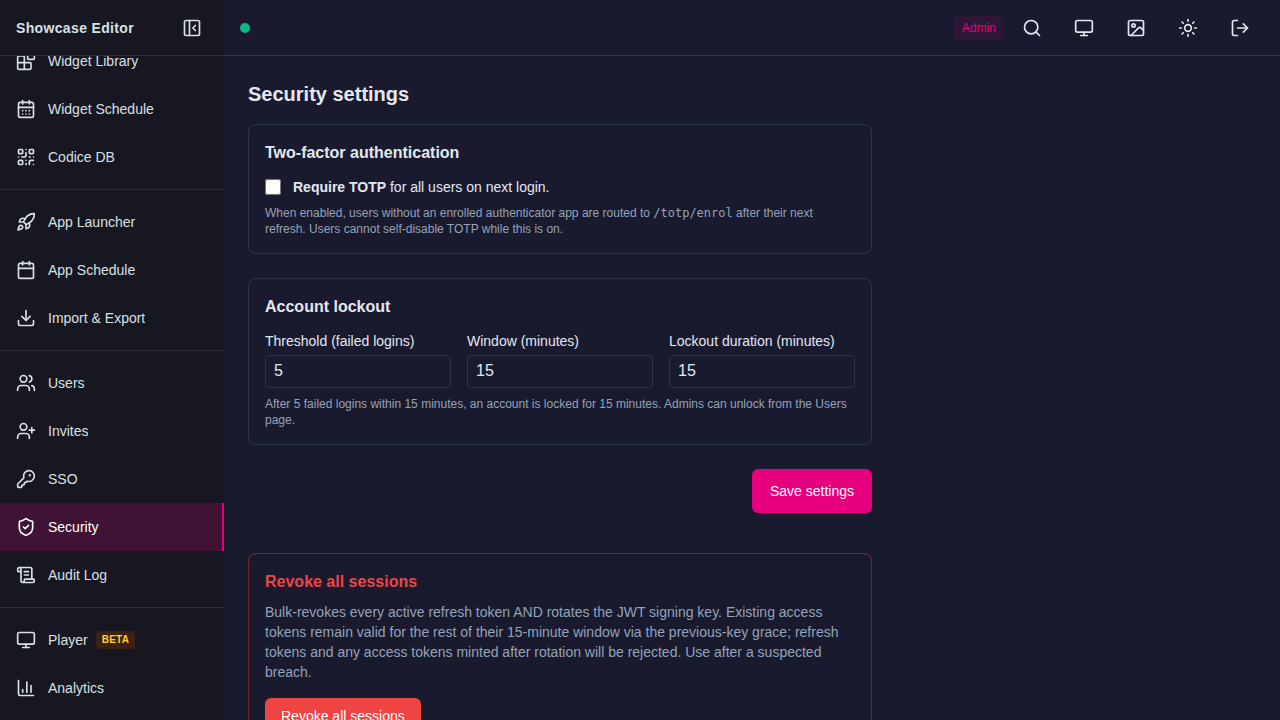
Two-factor authentication
Require TOTP for all users on next login — when enabled, any user without an enrolled authenticator app is routed to /totp/enrol on their next session refresh. Users cannot self-disable TOTP while this setting is active.
Account lockout
| Setting | Default | Description |
|---|---|---|
| Threshold (failed logins) | 5 | Number of consecutive failed logins before lockout |
| Window (minutes) | 15 | Time window in which failures are counted |
| Lockout duration (minutes) | 15 | How long the account is locked after hitting the threshold |
After threshold failures within the window, the account is locked. Admins can unlock it from the Users page.
Click Save settings to apply changes.
Revoke all sessions
The Revoke all sessions button bulk-revokes every active refresh token and rotates the JWT signing key. Existing access tokens remain valid for up to 15 minutes via a previous-key grace period; after that all users must sign in again. Use this after a suspected account compromise.
Danger
Revoking all sessions immediately logs out every connected user and Showcase Player instance. Players will reconnect automatically once they re-authenticate.
Audit Log
The Audit Log records authentication and administrative events server-wide.
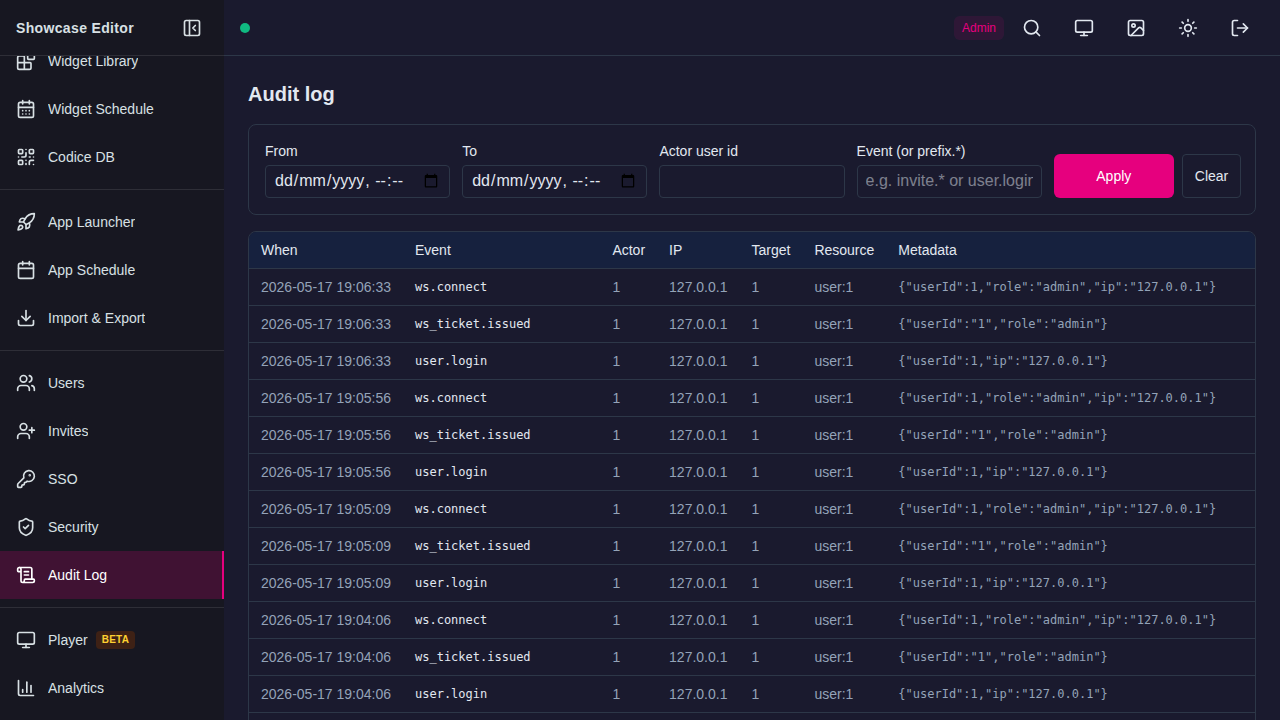
Filters — narrow results by date range (From / To), Actor user ID, or Event name (supports prefix wildcards, e.g. user.* or invite.*). Click Apply to run the query.
The event table columns are:
| Column | Description |
|---|---|
| When | Timestamp of the event |
| Event | Event type (e.g. user.login, ws.connect, ws_ticket.issued) |
| Actor | User ID of the account that triggered the event |
| IP | Source IP address |
| Target | Resource ID affected by the event |
| Resource | Resource type and ID |
| Metadata | JSON object with additional context (role, IP, userId) |
Common event types:
| Event | Meaning |
|---|---|
user.login |
Successful password or SSO login |
user.login.failed |
Failed login attempt |
user.locked |
Account locked after too many failures |
ws.connect |
WebSocket connection established (Showcase Player) |
ws_ticket.issued |
WebSocket authentication ticket issued |
invite.created |
Admin sent an invitation |
invite.accepted |
User accepted an invitation and created an account |