Introduction
About MT Showcase
MT Showcase is the perfect solution for presenting rich interactive media content. It can present a wide range of media content in an innovative and intuitive way. It also allows designers to create custom interactive apps that can run on MultiTaction Cells, making use of all their advanced features.
For example, MT Showcase allows your users to:
View and zoom high-resolution photos, graphics, and charts
View and zoom vector graphics, such as maps
View and zoom videos, even with 4K resolution
Browse PDF documents such as brochures
Annotate documents and images with infrared pens
Use Codice markers (2D barcodes) to send screen content to an email account or to display specific content on the screen
A range of ready-to-use content for demonstration purposes is available to registered users on the MT Showcase downloads page. For example, MultiTaction resellers can use MT Showcase to demonstrate the multi-touch high-resolution display capabilities of MultiTaction Cells.
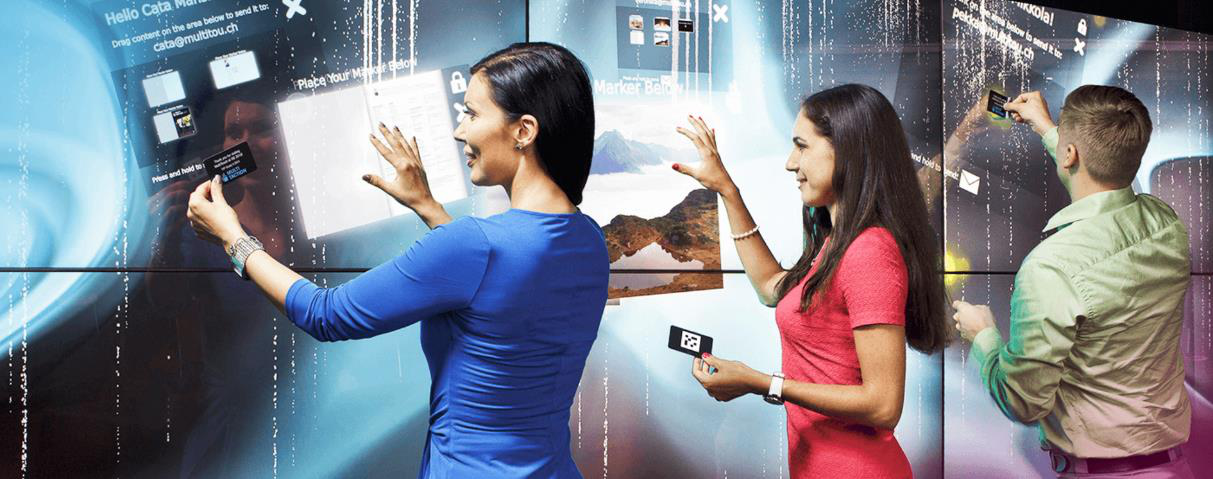
MT Showcase on an interactive video wall
But the real power of MT Showcase is provided through the Editor. The Editor is a web-based tool that lets you create MT Showcase apps. You can run these apps on a video wall to give your users a compelling interactive experience.
About the MT Showcase Editor
The MT Showcase Editor is a web-based tool for creating custom MT Showcase apps. No coding is required. Anyone can use the Editor to create a compelling interactive experience for their users.
The Editor allows you to choose the content for your app (including images, videos, web sites, PDFs and a background). You can specify how screen items behave. For example, you can control how finger menus look and behave.
Finally, you also use the Editor to perform various administrative tasks in MT Showcase. For example, you can export and import apps; you can manage the media library; and you can set up services. For example, the Email Sending service allows users to send screen items to an email address while the Twitter Connection service allows you to add a Twitter feed to your app.
And best of all, you can edit an app on the fly, while it is running on your video wall. As soon as you click Save, your app is updated. No need to close the app, no waiting while it recompiles. You can see the effects of your changes immediately!
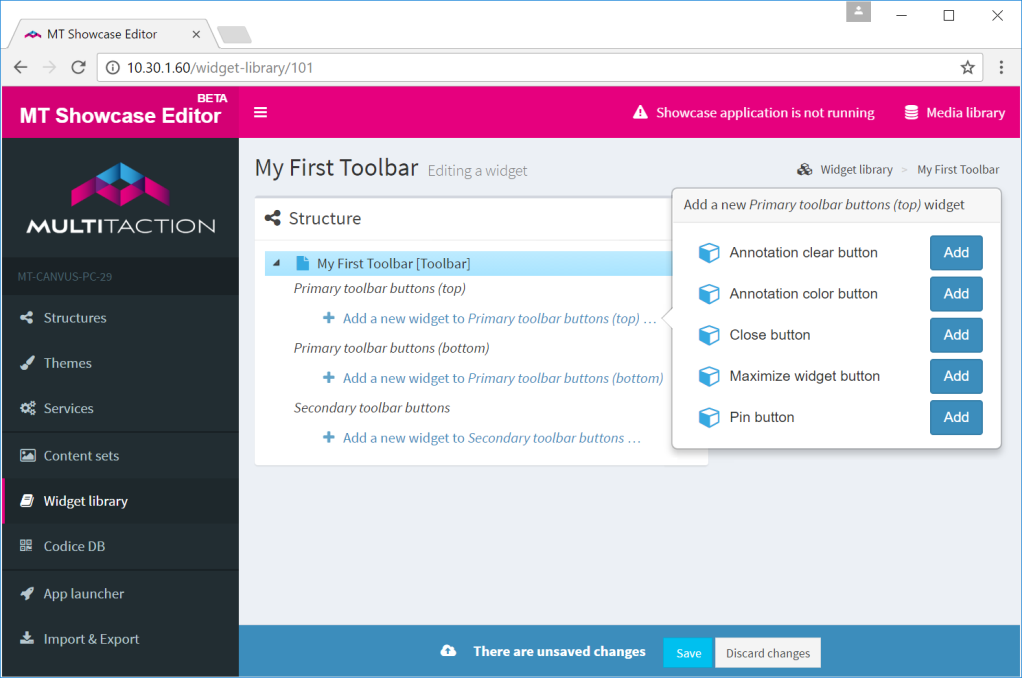
MT Showcase Editor. Example 'Editing a widget' page. This example shows how to add buttons to a new toolbar that can be used by any widgets in your app.